# Banners
Sección con una imagen de fondo.
Para poder cambiar nuestras imágenes de banners, seguiremos los mismos pasos que seguimos en el cambio de imagen del header.
Importante: El componente banner-01 puede ser utilizado varias veces en nuestro sitio. La nomenclatura del componente "Banner 01" siempre será:
<banner-01></banner-01>
Lo único que cambiará en el componente serán las variables, las cuales cambiarán las fotos mostradas:
---
banner01: /img/banner01.jpg
banner02: /img/banner02.jpg
banner03: /img/banner03.jpg
banner04: /img/banner04.jpg
Su aplicación es la siguiente:
---
<banner-01  :image="banner01" parallax></banner-01>
<banner-01  :image="banner02" parallax></banner-01>
<banner-01  :image="banner02" parallax></banner-01>
<banner-01  :image="banner04" parallax></banner-01>
# Banner 01 - Foto 1
# Imagen

# Código
---
banner01: /img/banner01.jpg
---

<banner-01 :image="banner01" parallax></banner-01>
# Comentarios:
- Tamaño de la imagen con efecto parallax: 1920x1080 píxeles.
- Tamaño de la imagen sin efecto parallax: 1920x480 píxeles.
# Banner 01 - Foto 2
# Imagen

# Código
---
banner02: /img/banner02.jpg
---

<banner-01 :image="banner02" parallax></banner-01>
# Comentarios:
- Tamaño de la imagen con efecto parallax: 1920x1080 píxeles.
- Tamaño de la imagen sin efecto parallax: 1920x480 píxeles.
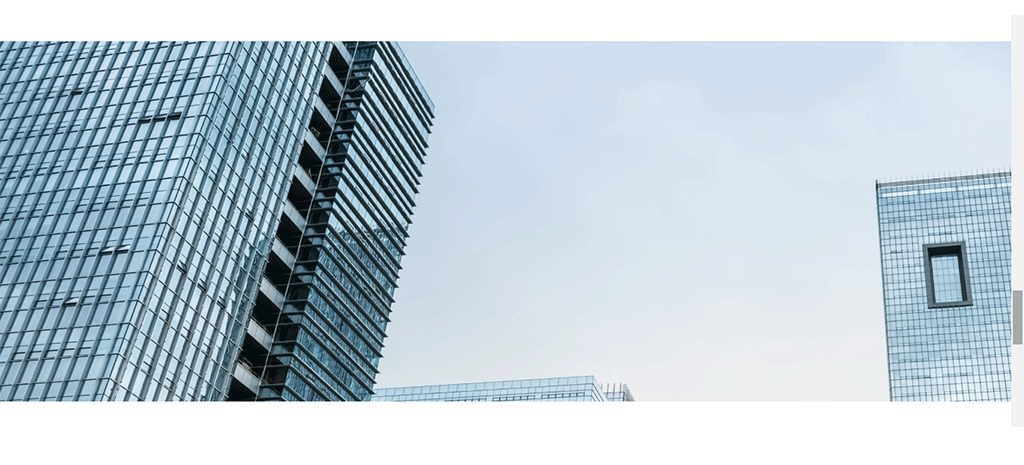
# Banner 01- Foto 3
# Imagen
# Código
---
banner03: /img/banner03.jpg
---

<banner-01 :image="banner03" parallax></banner-01>
# Comentarios:
- Tamaño de la imagen con efecto parallax: 1920x1080 píxeles.
- Tamaño de la imagen sin efecto parallax: 1920x480 píxeles.
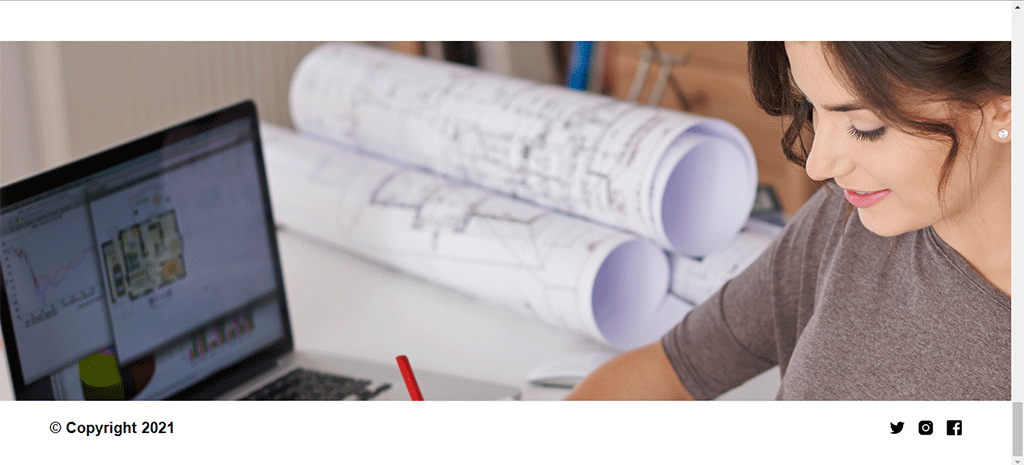
# Banner 01 - Foto 4
# Imagen
# Código
---
banner04: /img/banner04.jpg
---

<banner-01 :image="banner04"></banner-01>
# Comentarios:
- Tamaño de la imagen con efecto parallax: 1920x1080 píxeles.
- Tamaño de la imagen sin efecto parallax: 1920x650 píxeles.
# Parámetros
| Nombre | Descripción | Tipo |
|---|---|---|
| image | Ruta a la imagen de fondo | String |
| parallax | Define si la imagen de fondo tendrá efecto parallax | Boolean |
# Banner 02
# Imagen

# Código
---
banner02Title: TU SALUD ES PRIMERO
banner02Subtitle: NOSOTROS NOS ASEGURAMOS DE CUIDARLA
banner02ButtonText: SOLICITAR UNA CONSULTA
banner02Link: '#about03'
backgroundColor: '#26A7B4'
---

<banner-02 id="banner02" :color="backgroundColor" :title="banner02Title" :subtitle="banner02Subtitle" :button-text="banner02ButtonText" :link="banner02Link" ></banner-02>
# Parámetros
| Nombre | Descripción | Tipo |
|---|---|---|
| color | Define el color de fondo del banner | String |
| title | Título del componente | String |
| subtitle | Subtítulo del componente | String |
| button-text | Texto del botón | String |
| link | Link del botón | String |
# Banner 03
# Imagen

# Código
---
banner03Text: 'LA EDUCACIÓN ABRE PUERTAS A MÁS OPORTUNIDADES'
banner03Link: '#'
banner03ButtonText: INSCRIPCIONES ABIERTAS
banner03Background: '#10594B'
---

<banner-03 :text="banner03Text" :link="banner03Link" :button-text="banner03ButtonText" :color="banner03Background" ></banner-03>
# Parámetros
| Nombre | Descripción | Tipo |
|---|---|---|
| text | Texto a mostrar | String |
| link | Link del botón | String |
| button-text | Texto del botón | String |
| color | Define el color de fondo del banner | String |